
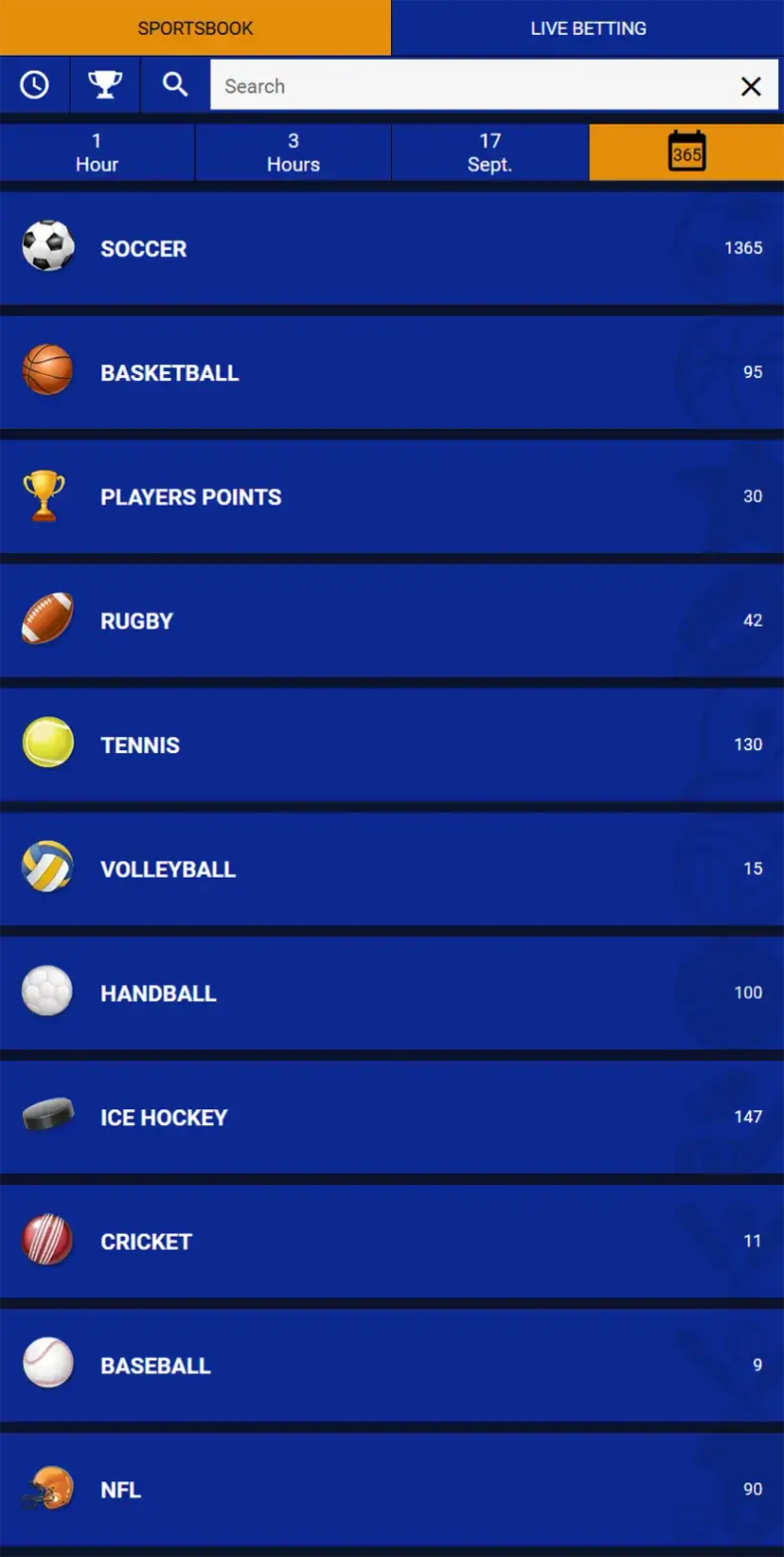
A Supreme Betting login takes a username and a password. Email addresses and phone numbers do not work in the login form, even though both are collected during registration. Once signed in, the header shows the account balance in Namibian dollars and a My Account menu.
This guide covers the Supreme Betting login in Namibia on a computer and on a phone, password recovery, a forgotten username and what to do when an account stops working.
18+ · Namibia
What is needed to log in
Only two details matter. Both were chosen when the account was created.
| Field | What to enter | Notes |
|---|---|---|
| Username | The username set during registration | It cannot be changed later |
| Password | The current account password | Case-sensitive; can be reset by email |
Accounts opened in a retail shop use the same form. Shop staff hand over the username at sign-up.
Supreme Betting login on a computer
On the desktop site, the login fields sit permanently in the top right corner, next to the red Login and Register buttons. There is no separate login page to find.
- Open the Supreme Betting website.
- Type the username into the Username field.
- Type the password. The eye icon inside the field shows or hides the characters.
- Click Login.
A successful Supreme Betting log in replaces the two fields with the balance, a My Account button and a Logout button.
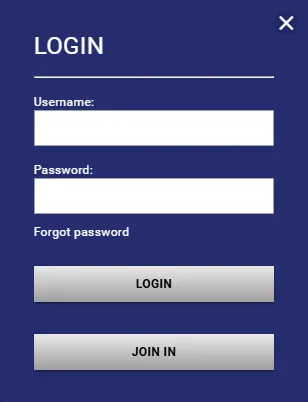
Supreme Betting login in mobile
The mobile layout hides the fields to save space. A person icon in the top right corner opens the login window; the hamburger icon on the left opens the main menu.
- Open the site in a mobile browser.
- Tap the person icon at the top of the screen.
- Enter the username and password.
- Tap Login.
Mobile browsers usually offer to save the password. On a shared phone, it is safer to decline.
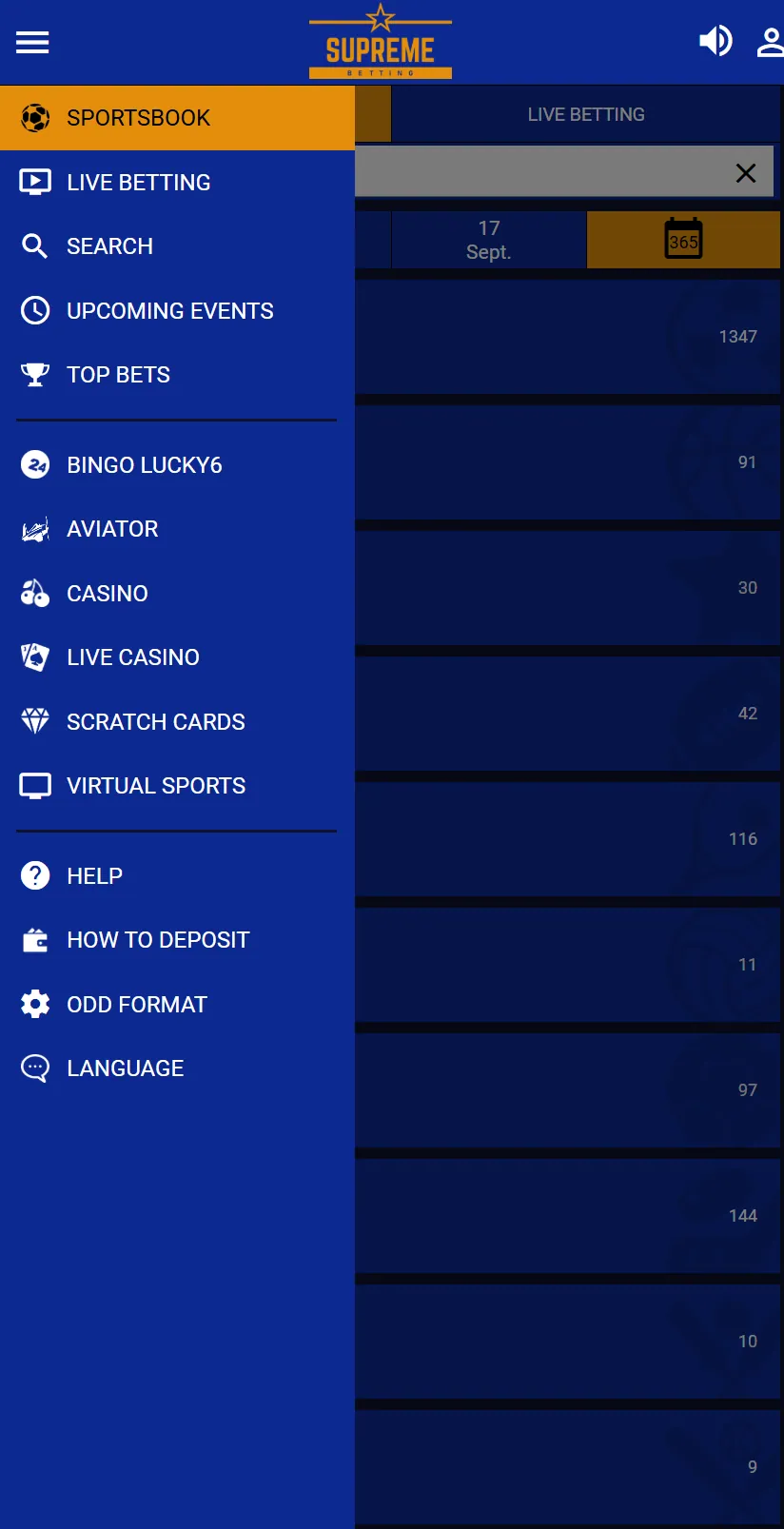
Details about the Android download are on the app page.
What changes after logging in
The header now shows the real-money balance, a My Account menu and a Logout button. My Account holds the withdrawal form, the change password option and the history of tickets.
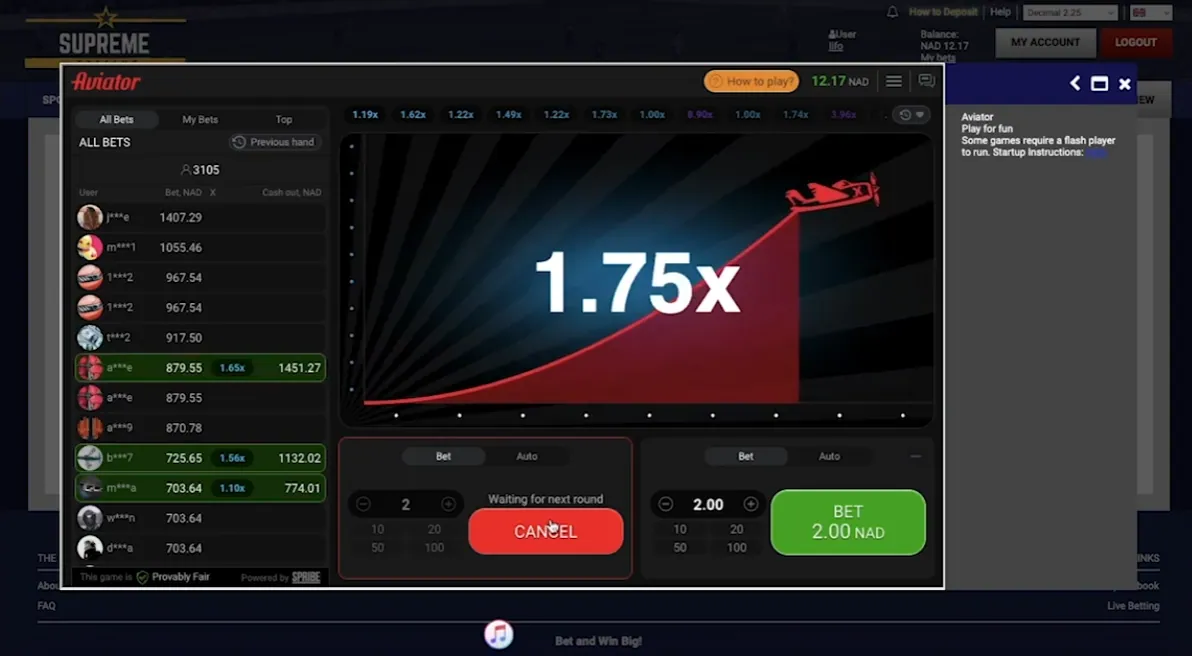
Casino games, Aviator, Bingo Lucky6 and live dealer tables need an active session to take real-money stakes. They open inside the site, with the balance still visible above the game.
Forgot password: how to reset it
Password recovery runs through the email address saved in the account. The link sits directly under the password field.
- Click Forgot password? under the login fields.
- Enter the account username. Not the email address.
- Click Recover Account.
- Open the email from Supreme Betting and follow the recovery link.
- Set a new password and log in with it.
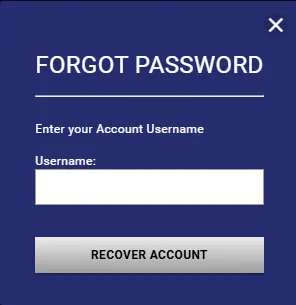
No email arriving usually means a typo in the username, a message sitting in the spam folder, or an old email address on the account. Retail shop assistants can also reset a password in person.
Forgotten username
The recovery form cannot help here, because it needs the username itself. The Supreme Betting customer care centre handles this case by phone on +264 816 890 720, and the same number works on WhatsApp. Having the registered name, ID number and email ready speeds things up.
Other contact options and shop locations are listed on the contacts page.
Changing the password
A password can be changed at any time from inside the account: My Account → Change Password, then follow the prompts. The old password is needed to confirm the change.
Supreme Betting account locked or restricted
The site does not publish a list of lock reasons. Its terms and conditions, however, describe situations in which access can be limited or an account closed.
- A player may hold only one account. Duplicates can be restricted.
- Hiding the real IP address, for example with a VPN, can lead to voided winnings and a deactivated account.
- Suspected fraud, payment reversals or automated betting software lead to suspension.
- The operator keeps the right to restrict any account without giving a reason.
Repeated failed login attempts can also block access for a while on many platforms. In any of these cases, opening a second account makes the situation worse. The practical step is to contact support by phone or WhatsApp, or to visit a shop with the ID document used at registration.
Common login problems
| Problem | Likely cause | What to try |
|---|---|---|
| "Wrong username or password" | Typo, Caps Lock, or the email typed instead of the username | Retype slowly; use the eye icon to check the password |
| Recovery email never arrives | Spam folder or outdated email in the account | Check spam, then contact support |
| Page loads but nothing happens after Login | Old browser cache or a blocked cookie | Refresh, clear cache, try another browser |
| Access blocked after logging in | Account restriction | Contact support or visit a shop |
| Site works on Wi-Fi but not on mobile data | Network or DNS issue | Switch networks or restart the connection |
Keeping the account secure
The terms put responsibility for login details on the player, and losses from someone else using the account are not covered. A few habits help.
- Use a password that is not reused on other websites.
- Log out after playing on a shared computer or a shop terminal.
- Never share the username and password, including with people who claim to be from support.
- Keep the email address in the account current, since password recovery depends on it.
18+ only
Supreme Betting accounts are for adults aged 18 and over in Namibia. Account credentials should never be handed to a minor.
Frequently asked questions
Can I log in to Supreme Betting with my email or phone number?
No. The login form accepts only the username and password. The email address is used for password recovery, not for signing in.
How do I reset a forgotten Supreme Betting password?
Click Forgot password? under the login fields, enter the username and click Recover Account. A recovery link is sent to the registered email address, where a new password can be set. Shop staff can also reset it in person.
What if I forgot my username?
The recovery form needs the username, so it cannot help. Contact Supreme Betting customer care on +264 816 890 720 by phone or WhatsApp, or visit a retail shop.
How do I log in on my phone?
Open the site in a mobile browser, tap the person icon in the top right corner, enter the username and password and tap Login.
Why is my Supreme Betting account locked?
The site does not publish exact reasons. Its terms allow restrictions for duplicate accounts, VPN use, suspected fraud or at the operator's discretion. Support or a retail shop can check the account status.
Can I change my username after logging in?
No. Usernames are permanent. Only the password can be changed, under My Account → Change Password.