
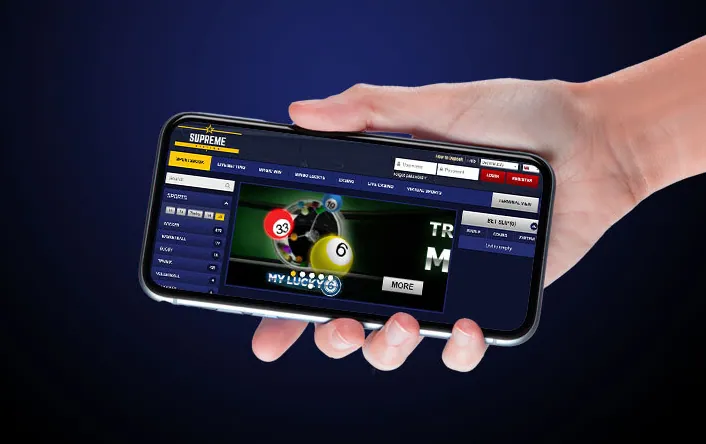
Searches for a Supreme Betting app download lead to a simple answer: the bookmaker does not publish an Android APK or an iOS app on its official website. Betting on a phone runs through the mobile version of the site, which carries the same sportsbook, casino, bet slip and account tools as the desktop layout.
This page explains how the mobile version works, how to put a Supreme Betting icon on a phone's home screen in a minute, and why APK files carrying the brand name on third-party download portals are worth avoiding.
Works in any modern mobile browser
Is there an official Supreme Betting app?
The official site lists its channels as web, retail, terminal and mobile. Mobile here means the browser version: no download button appears anywhere in the menu, the help section or the footer, and no listing exists in Google Play or the App Store under the bookmaker's name.
Third-party APK portals do host files called "Supreme Betting". The one indexed most often belongs to a developer unrelated to the Namibian bookmaker and offers football tips, not an account or a bet slip. Installing it will not open a betting account.
Check before installing anything
An APK from an unofficial source can carry malware or a fake login screen built to steal a username and password. If the file does not come from the bookmaker's own website, treat it as unknown software.
How the mobile version works
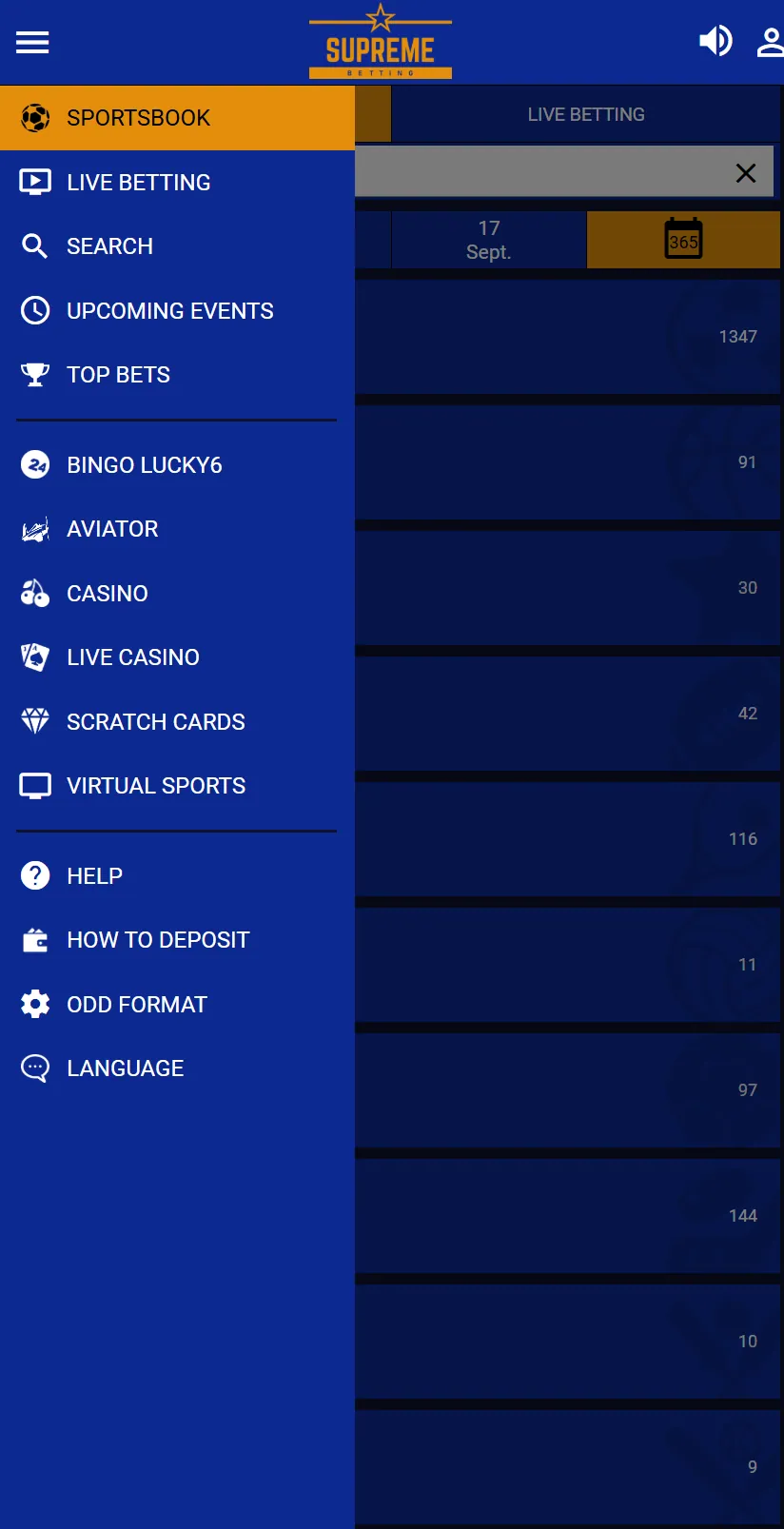
Opening the site on a phone loads a layout built for a narrow screen. The hamburger icon on the left opens the menu; the person icon on the right opens the login window.
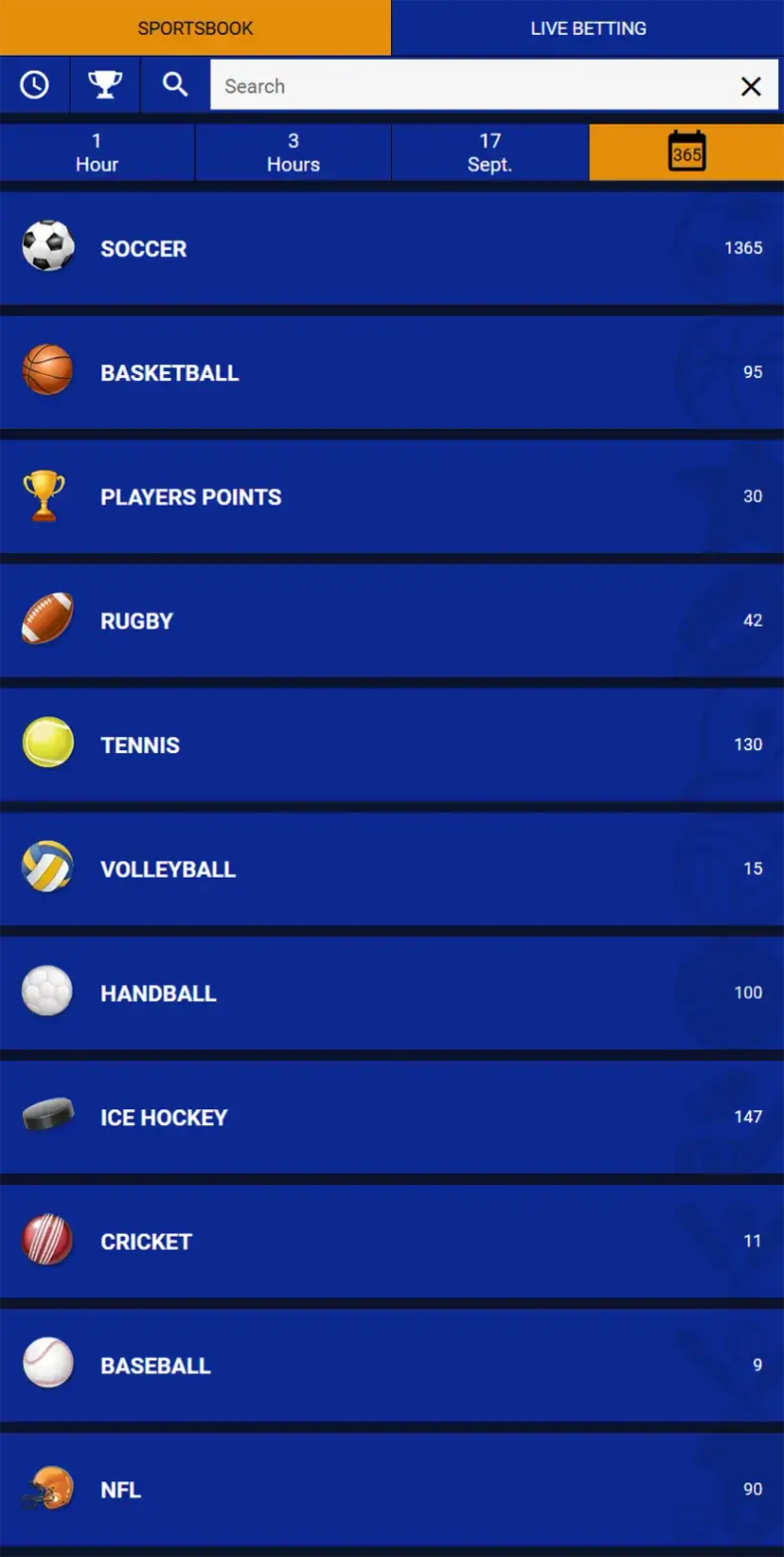
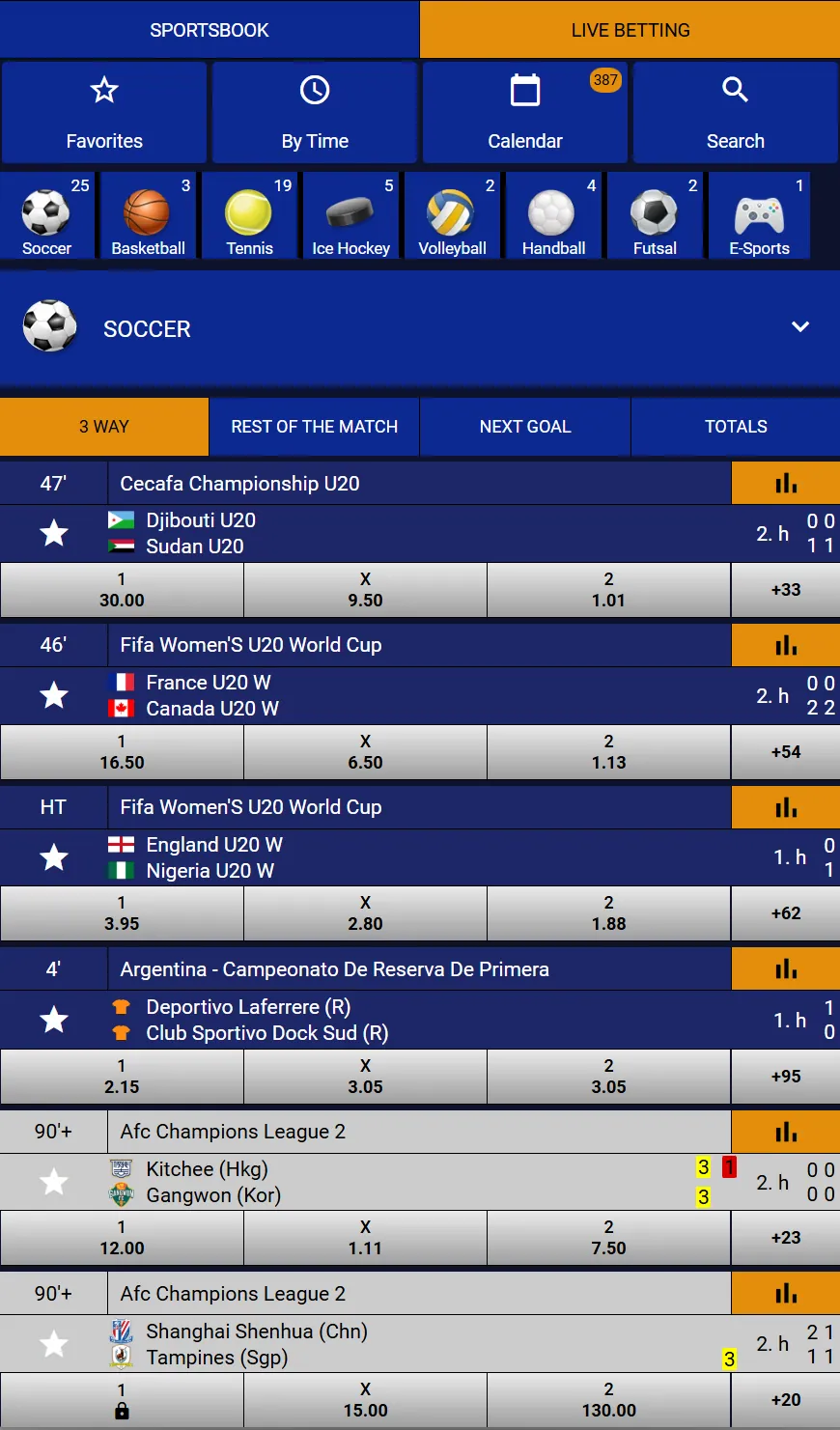
Sports lists, live matches, the casino lobby and Aviator all work in the same window. The bet slip slides up from the bottom of the screen and keeps the Single, Combi and System tabs.
Adding Supreme Betting to the home screen
A browser shortcut gives the same one-tap access an app icon would, without installing anything.
Android (Chrome)
- Open the Supreme Betting site in Chrome.
- Tap the three-dot menu in the top right corner.
- Choose Add to Home screen.
- Confirm the name and tap Add.
iPhone (Safari)
- Open the site in Safari.
- Tap the Share button at the bottom of the screen.
- Scroll down and choose Add to Home Screen.
- Tap Add.
The icon then opens the site directly, and the session stays logged in until the browser clears its data or the account is logged out.
What a phone needs
| Requirement | Details |
|---|---|
| Device | Any Android phone or iPhone with a current browser |
| Browser | Chrome, Safari, Firefox, Opera or Edge, kept up to date |
| Connection | Mobile data or Wi-Fi; live odds refresh constantly, so a stable signal helps |
| Storage | None beyond the browser cache — nothing is installed |
| Account | One Supreme Betting account, the same one used on desktop |
Supreme Betting app login on a phone
There is no separate app login. The username and password created at registration open the account in any mobile browser: tap the person icon, enter both fields and tap Login. Password recovery runs the same way as on desktop, through the registered email address.
Step-by-step instructions, including what to do with a forgotten username, are on the login page. New players start on the registration page.
Mobile browser or desktop: what changes
| Feature | Mobile browser | Desktop site |
|---|---|---|
| Sportsbook and live betting | Yes | Yes |
| Casino, live casino, Aviator, Lucky6 | Yes | Yes |
| Bet slip with Single, Combi, System | Yes, as a bottom panel | Yes, in the right column |
| Deposits and withdrawal orders | Yes, through My Account | Yes |
| Number of markets visible at once | Fewer, one column | More, several columns |
| Terminal View | Available, better suited to a large screen | Yes |
If an official app appears later
Should the bookmaker publish its own Android file, the download link will sit on its own website rather than on a download portal. A safe check has three parts: the file comes from the official domain, the installation warning names Supreme Betting, and the app asks for the existing account login instead of new registration details.
Android blocks installation from outside Google Play until the browser is given permission in Settings → Apps → Special access → Install unknown apps. That permission is worth switching off again afterwards.
When the mobile site misbehaves
| Symptom | Likely cause | Fix |
|---|---|---|
| Odds freeze during a live match | Weak signal or a paused tab | Reload the page; switch between Wi-Fi and mobile data |
| The bet slip does not open | Old cached files | Clear the browser cache for the site and log in again |
| Casino game shows a black screen | Data saver or a blocked script | Turn off data saver and any content blocker for the site |
| Logged out after closing the browser | Private mode or automatic data clearing | Open the site in a normal tab and use the home screen icon |
Live odds refresh every few seconds, so a long session on mobile data uses more battery and traffic than reading a static page. Closing the tab between bets keeps both under control.
Deposits and betting from a phone
Mobile wallets make phone betting practical in Namibia: money moves from a banking app to the betting account, and the bet slip opens in the browser next to it. The full list of deposit and withdrawal options is on the payments page.
Frequently asked questions
Is there an official Supreme Betting app for Android?
No download is published on the official website, and no listing exists in Google Play under the bookmaker's name. Betting on a phone runs through the mobile version of the site.
What about the Supreme Betting APK files on download portals?
The file indexed most often comes from an unrelated developer and offers betting tips, not an account. Installing an APK from an unofficial source risks malware and fake login screens.
How do I get a Supreme Betting icon on my phone?
Open the site in Chrome and choose Add to Home screen from the three-dot menu, or in Safari tap Share and choose Add to Home Screen. The icon opens the site directly.
Does the mobile site have the same features as desktop?
Yes. Sportsbook, live betting, casino, Aviator, Bingo Lucky6, the bet slip and account tools all work in a mobile browser; the layout simply uses one column.
How do I log in on a phone?
Tap the person icon in the top right corner, then enter the same username and password used on desktop. There is no separate app account.
Is an iPhone app available?
No. iPhone users open the site in Safari and can add it to the home screen for one-tap access.